
Compressor
InterComp
Two compressors in series: a fast first stage with two characters, IW-76 and IW-DS, then a smooth optical leveller, with auto gain that keeps the output as loud as the input.
- Latency
- 0 samples
- CPU
- [CPU: to be measured]
- Formats
- VST3, Audio Unit
- Platforms
- macOS, Windows
- Channels
- Mono, stereo
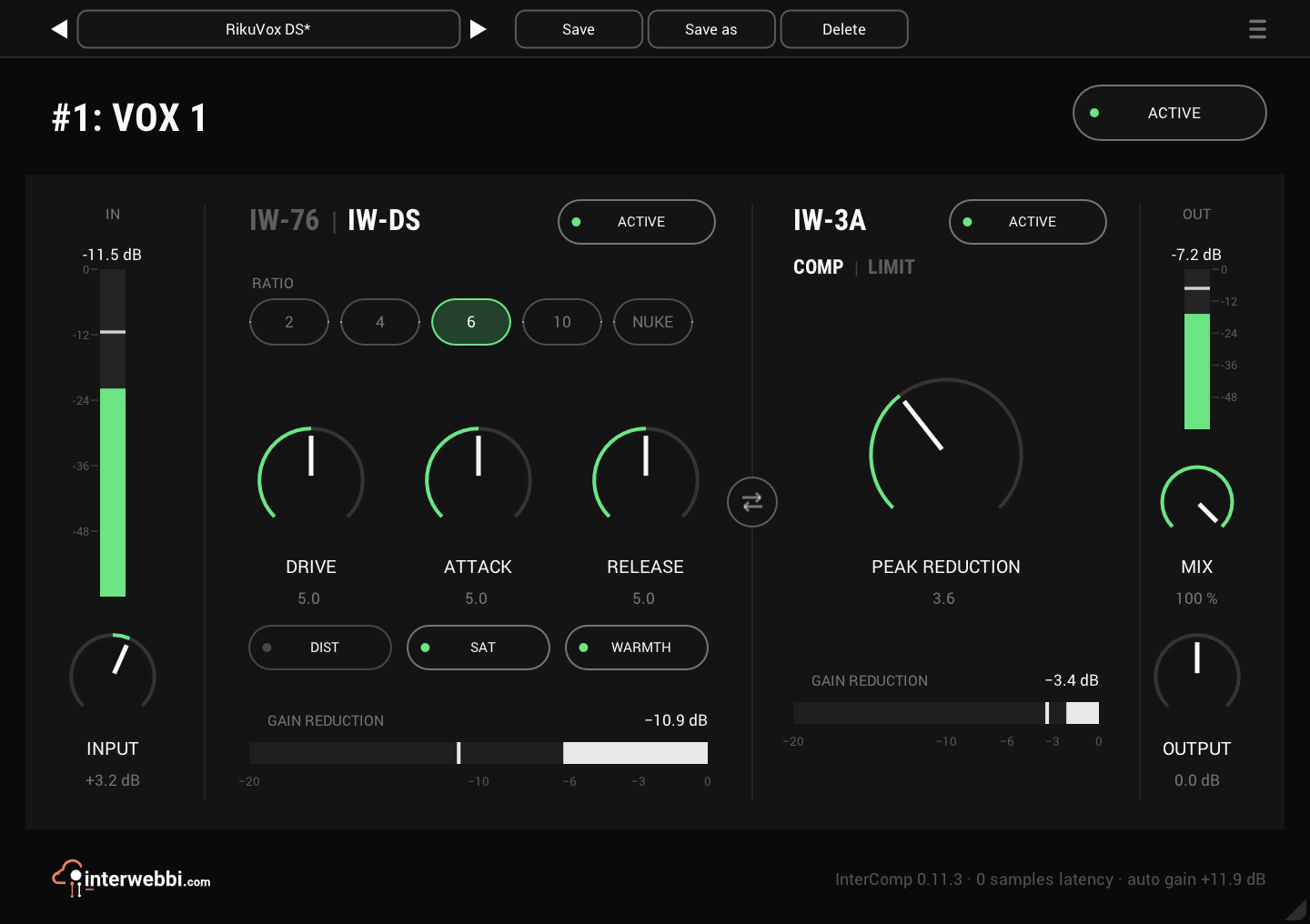
On the panel
Ratio
IW-DS's ratio: 2, 4, 6, 10 or NUKE. IW-76 has its own: 4, 8, 12, 20 or All.
Drive
How hard the first stage works. It changes how much it compresses and colours, not the level.
IW-76 or IW-DS
The title is the switch between the first stage's two characters. Here it is IW-DS, with DIST, SAT and WARMTH.
Swap
Swaps which stage runs first, crossfading if you swap during playback.
Peak reduction
How hard the optical stage works, 0 to 10.
Comp or limit
Switches IW-3A to a limiter that holds peaks down much harder.
Mix
Blends the untouched input with the compressed signal, for parallel compression.
Two stages
The first stage, IW-76 or IW-DS, catches the peaks fast; IW-3A evens out what is left. Each has one control for how hard it works, DRIVE and PEAK REDUCTION, and its own ACTIVE switch and gain reduction meter. IW-3A can also switch from COMP to LIMIT.
The first stage, two ways
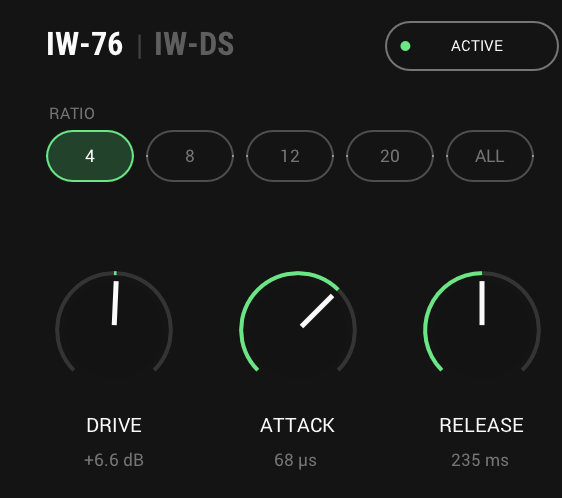
Click the dim name in the stage's title and the first stage changes character. IW-76, shown here, is the fast FET stage; IW-DS has different ratios and three switches for distortion, saturation and warmth.
- IW-76 ratios
- 4, 8, 12, 20, All
- IW-DS ratios
- 2, 4, 6, 10, NUKE
- IW-DS switches
- DIST, SAT, WARMTH
Turn it around
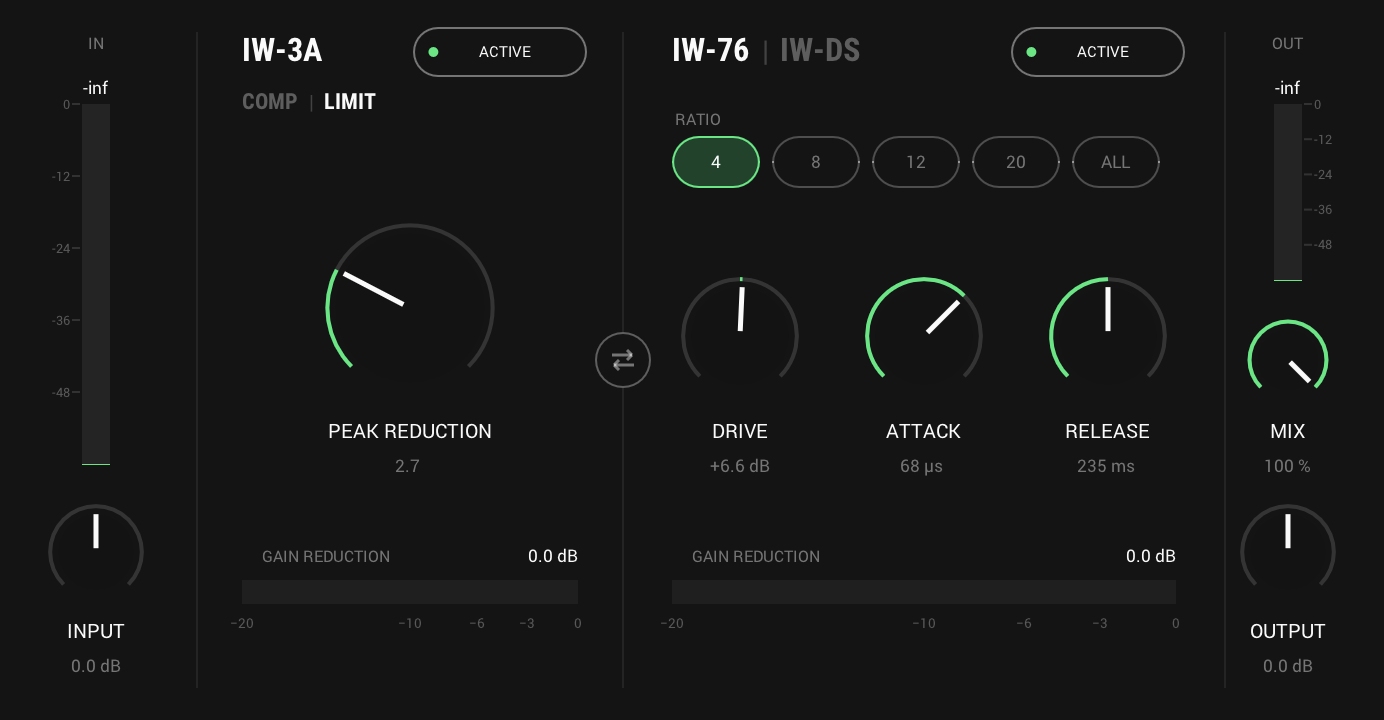
Swap the stages and IW-3A levels first, with the fast stage catching what is left. The swap crossfades, so it works while playing, and DRIVE and PEAK REDUCTION move with their stages. Set IW-3A to LIMIT and it holds peaks down much harder, at roughly 6 to 9:1 instead of about 4:1.
And also
Mix
Blend the dry input back in for parallel compression, without a second channel.
Auto gain
Keeps the output as loud as the input, so you judge the compression, not the level. OUTPUT trims after it.
Listen
Lead vocal, before
Specs
- Latency
- 0 samples
- CPU
- [CPU: to be measured]
- Formats
- VST3, Audio Unit
- macOS
- Apple silicon and Intel
- Windows
- x64
- Channels
- Mono, stereo
- Version
- 0.11.3
Download
New in 0.11.3
IW-3A can now limit, and IW-DS gains a gentle 2:1.
- COMP | LIMIT under the IW-3A title. LIMIT holds peaks down much harder, at roughly 6 to 9:1 instead of about 4:1.
- IW-DS's ratios are now 2, 4, 6, 10 and NUKE.
The rest of the family
Mic preamp
InterMic
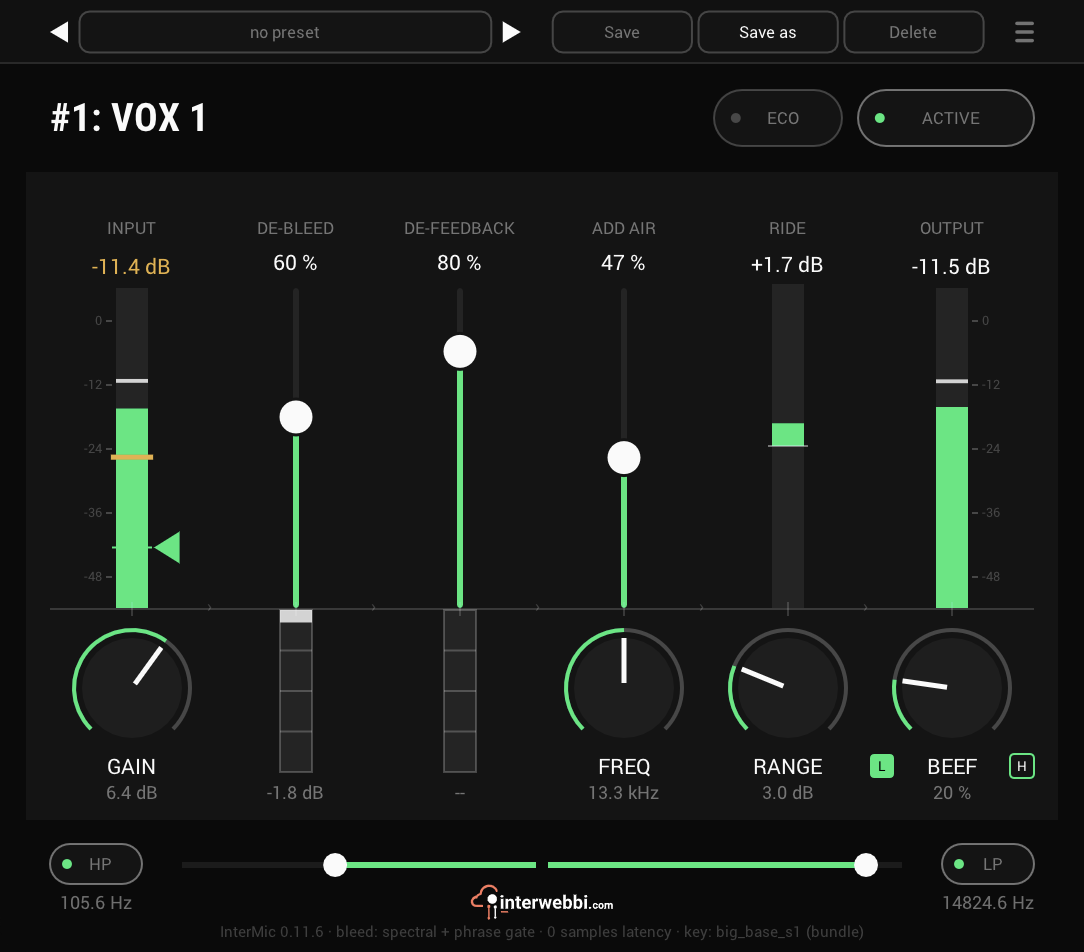
A mic preamp for vocals, with saturation, air and a gain rider. Bleed and feedback removal come with it.
Adaptive tone
InterTone
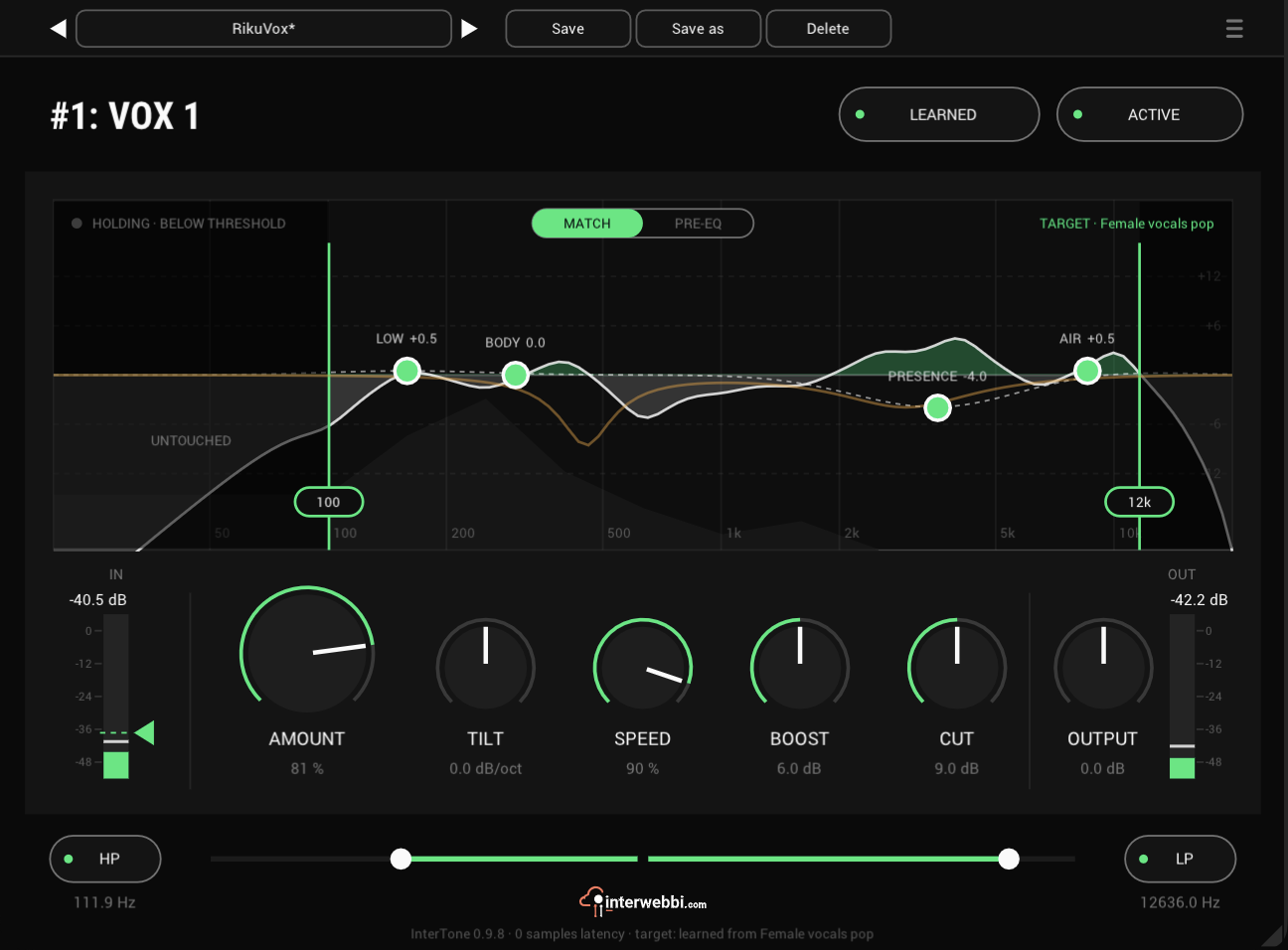
Set the tone a source should have. It stays there as the playing changes, on vocals, guitars or drums.
The Suite
InterMic, InterTone and InterComp, in one installer.